VoiceOps
Speak to your systems to retrieve information, prepare work and coordinate approved actions.
Connects with: InnerOS · QuoteOps / Smart Quoter · Ambient Guardian / Atlas Control · Service Operations
How it works ↗The ecosystem’s center
A shared foundation for agents, applications and devices to work with context, permissions and follow-up. Explore how the pieces relate to one another.
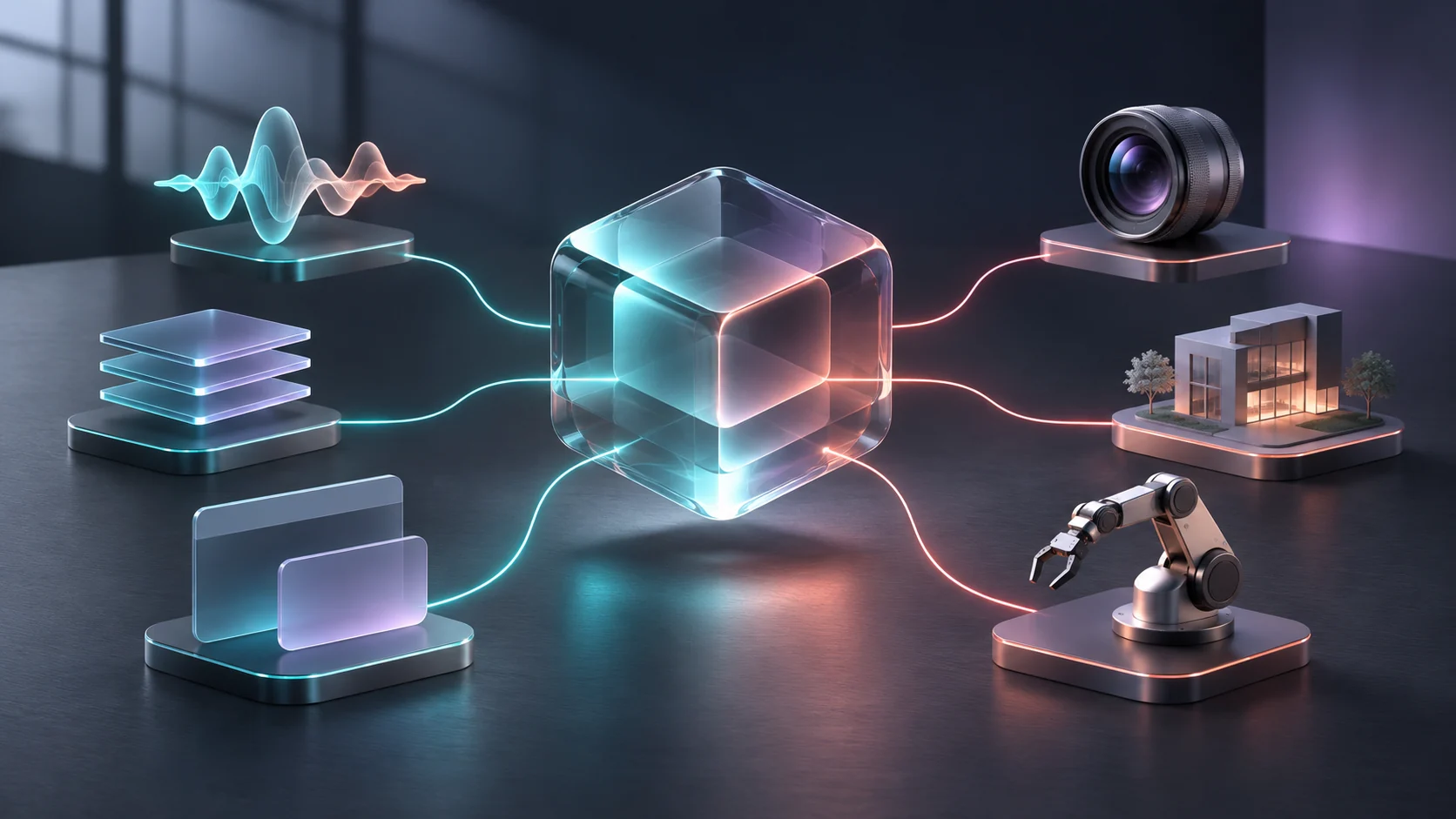
Explore the connections
Speak to your systems to retrieve information, prepare work and coordinate approved actions.
Connects with: InnerOS · QuoteOps / Smart Quoter · Ambient Guardian / Atlas Control · Service Operations
How it works ↗Organized memory that lets work continue without starting from scratch in every conversation.
Connects with: InnerOS · FounderOS · VoiceOps
How it works ↗Cameras and building signals turned into useful information for operators.
Connects with: InnerOS · Infrastructure Guardian · InfraLens — redes y Device Fabric · Audit Fabric / Forensic Replay
How it works ↗The system connecting agents, memory, applications and devices around shared context.
Connects with: VoiceOps · Personal Brain · InnerOS WebMCP · Audit Fabric / Forensic Replay
How it works ↗From a request to a technical visit, with work and evidence in one workflow.
Connects with: QuoteOps / Smart Quoter · Workforce AI · FieldSpark AI · InnerOS
How it works ↗Alexa, Home Assistant and Atlas Control: voice interfaces connecting intent, context and automation.
Connects with: VoiceOps · InnerOS · InnerOS DMX / Art-Net · Physical Guardian / VigilOS
How it works ↗Lighting scenes connected with software, voice and automation.
Connects with: Ambient Guardian / Atlas Control · InnerOS WebMCP · InnerOS
How it works ↗Map of documented capabilities. Select a component to see its connections and development stage.
From intent to result
Voice, Alexa, web or applications: the entry point follows how people work.
The primary agent uses InnerOS context and tools within the project’s permissions.
Applications, Home Assistant, services and devices perform their assigned operations.
Returned state is checked and evidence is kept to continue, correct or ask for help.
How projects relate
Architecture examples explaining the approach; they do not send commands or simulate live telemetry.
Connects conversation, context and control. Atlas offline local voice is a design-stage workstream; available actions depend on the installed integration.
A product journey connecting complementary workstreams. Formal quoting and the transition to operations require commercial and technical validation.
Organizes signals and evidence for operators. It does not imply every camera, sensor or brand is connected in every installation.
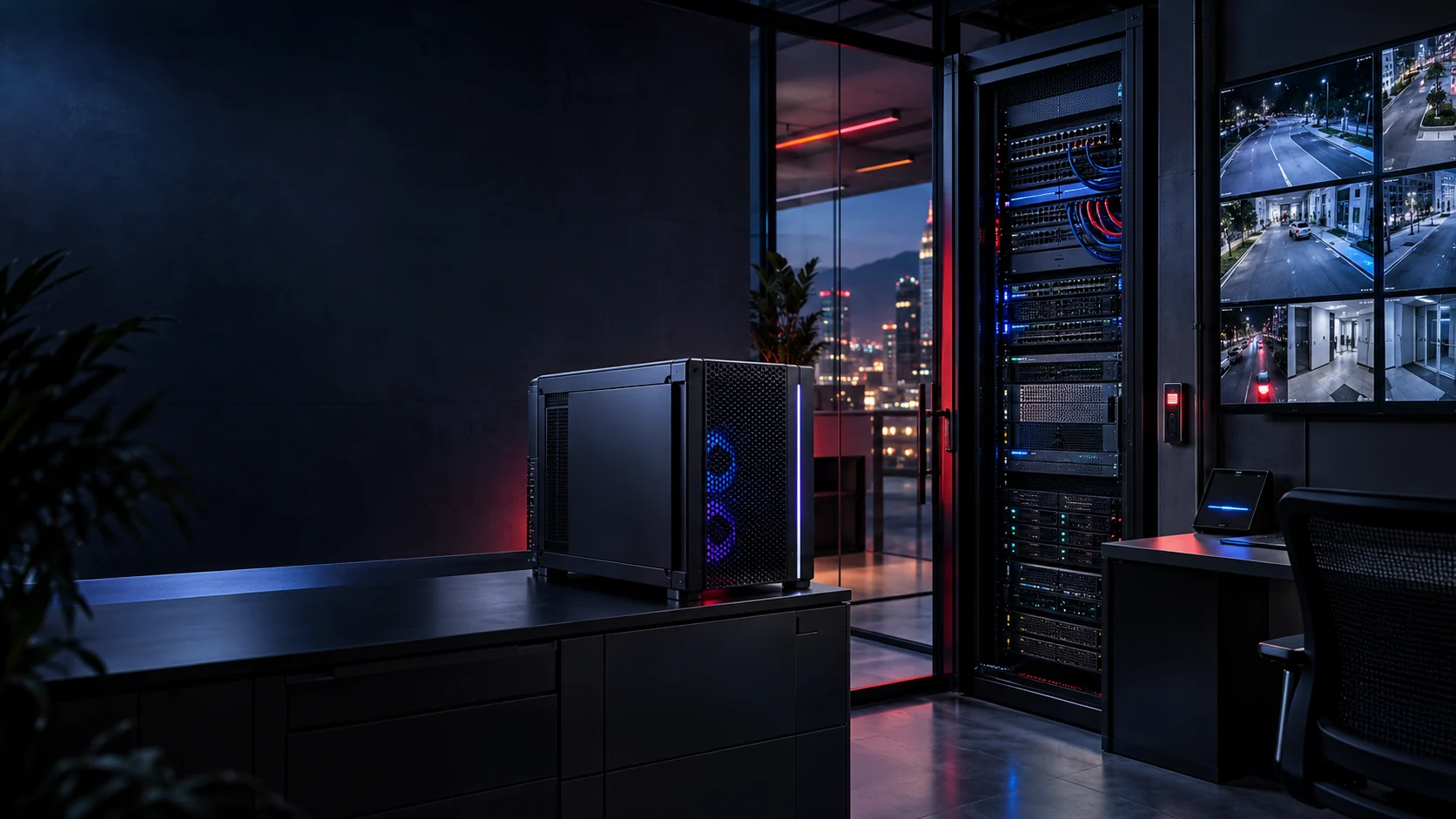
Technology you can understand
We work with vendor interfaces and protocols where equipment and project requirements allow. Home Assistant, Alexa, DMX / Art-Net, RTSP / ONVIF and MCP appear across workstreams. AMD, Intel and NVIDIA platforms provide inference options.
Compatibility and versions are validated per project. Trademarks belong to their owners; mention does not imply a partnership or certification.
Continuity
A public website, a demonstration and local control should not depend on the same point of failure.
Each solution should distinguish internet loss, a server outage and power failure. We define what must keep working locally, what can wait and how service is recovered. Backup connectivity and offline voice need implementation and testing, not just a statement.
How we validate a delivery ↗Start with what you need
Tell us the problem, your country and what you already have. We’ll define a first version you can understand, test and put to work.